Free delivery note template
A delivery note travels with the goods. It lists what was sent and how many, with no prices, and the customer signs to say it arrived. Fill it in online, then print it or send it as a PDF.
What a delivery note shows
- Your business name and contact details
- Who the goods are for, and where they go
- A delivery note number and the date
- Each item, the quantity sent, and its unit, such as boxes or kg
- The customer’s order number, if they gave one
- How many packages were sent
- Lines for the driver and the receiver to sign, with the receiver’s name and the date
No prices on it
A delivery note is checked by the people who unload the goods, who often should not see your prices. Slipbook leaves out prices, tax, and totals, so the note shows only what was delivered.
From an invoice in one tap
If you have already made the invoice, open it and choose “Make delivery note”. The customer and the items carry across, and the delivery note gets its own number, starting at DN-0001. Your saved item prices stay as they are.
In India
A GST delivery challan under Rule 55 of the CGST Rules must also show the taxable value and the tax. This delivery note leaves prices out, so it suits challans that do not need them, not a GST challan.
Checked on .
Questions
Is this delivery note template free?
Yes. Make as many delivery notes as you need, with no watermark and no signup.
Can I add a unit, such as kg or boxes?
Yes. Open the Design tab and add your own column, such as Unit or Batch, and it appears on each line.
Does a delivery note count as an invoice?
No. It does not ask for payment, and your book lists it separately from your invoices.
Can I print two copies?
Yes. Print it twice, or download the PDF and print as many copies as you need.
Helpful guides
More templates
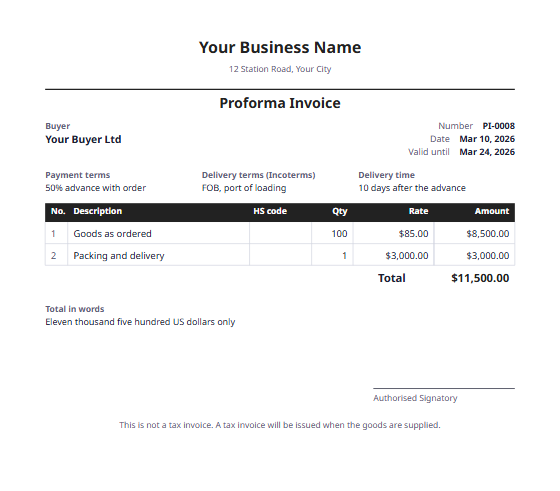 Proforma invoice formatA first bill sent before the goods, to ask for an advance or approval.
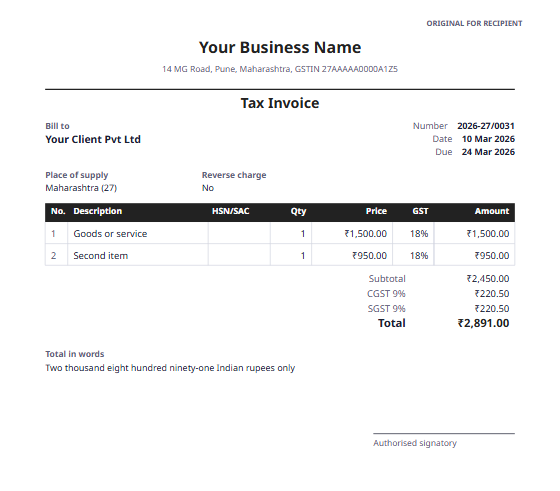 GST invoice formatA tax invoice for India, with CGST and SGST or IGST, and HSN/SAC codes.
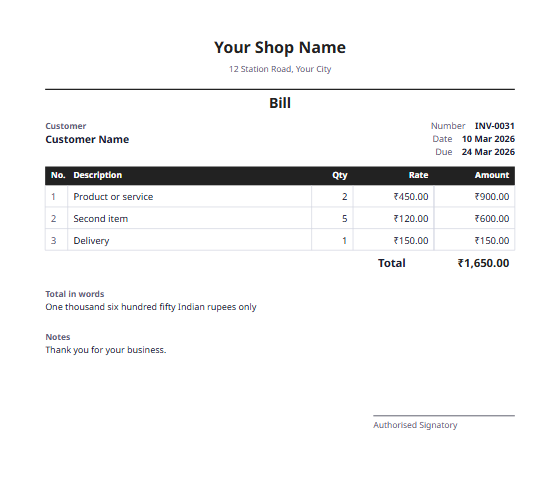 Bill formatA simple bill for shops and small businesses, with the total in words.
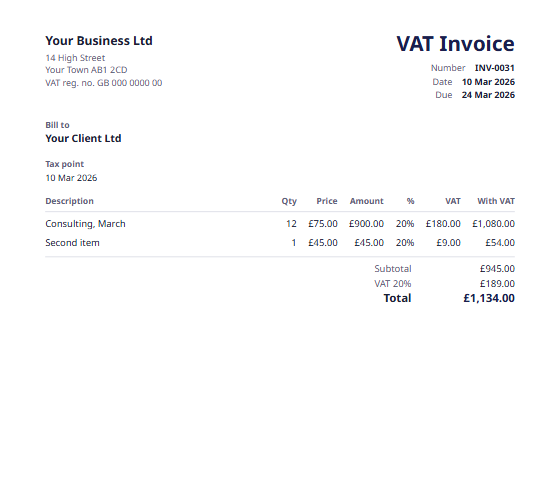 UK VAT invoiceFor VAT-registered businesses, with the tax point and the VAT rate on each line.