Free quote template
Use this template to give a customer a fixed price before you start. It includes a valid-until date, so your price does not stay open forever, and it turns into an invoice in one tap when the customer agrees.
What to include on a quote
- Exactly what you will do, in plain words, and what is not included
- The price of each part, with labour and materials shown separately, so the client can see where the money goes
- A valid-until date, in case your costs change
- How to accept, such as replying to your message
After you send it
Your book shows each quote as sent, accepted, declined, or expired, so you can see which ones to follow up. When a customer says yes, mark it accepted and choose “Turn into invoice”.
How long should a quote last?
Thirty days suits most small jobs. Use a shorter time if your material prices move quickly. Once the date passes, Slipbook marks the quote as expired, so you know to check the price before you start.
Checked on .
Questions
How long should a quote be valid?
It depends on how quickly your costs change. Slipbook uses 30 days by default, and you can change this in Settings.
Is a quote the same as an estimate?
Not quite. A quote is usually a fixed price, and an estimate is your best guess. Our guide explains the difference.
Is a quote the same as a quotation?
Yes. Quote is the short word for quotation, so a quote template and a quotation template are the same thing. If your customers expect the word Quotation, change the title in the Design tab, or start from the quotation format.
Helpful guides
More templates
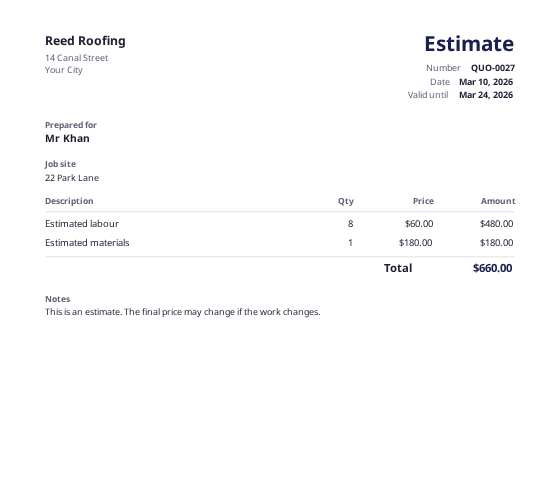 Estimate templateAn approximate price for jobs that may change, with a job site field.
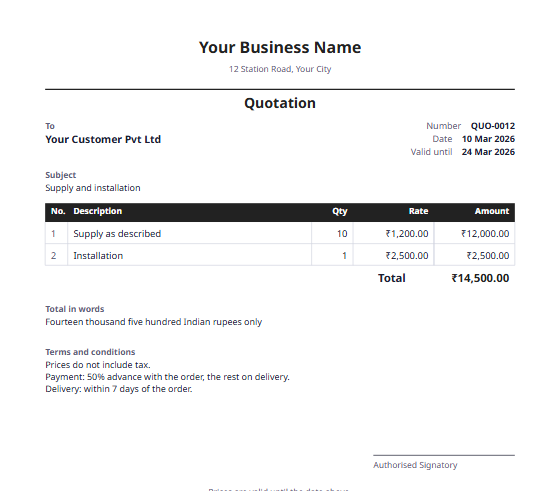 Quotation formatItem rates, the total in words, and a valid-until date, ready to become an invoice.
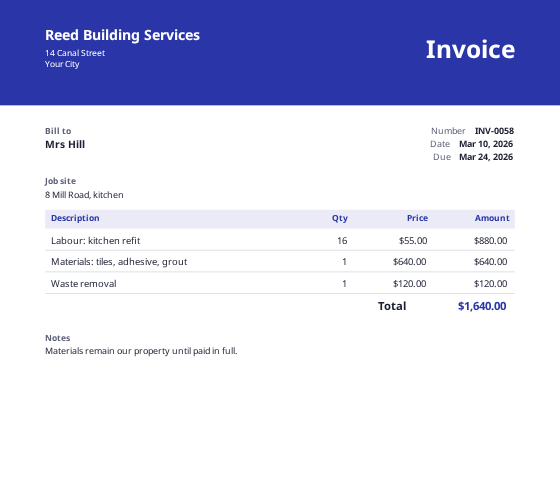 Contractor invoice templateLabour and materials on separate lines, with a job site field.
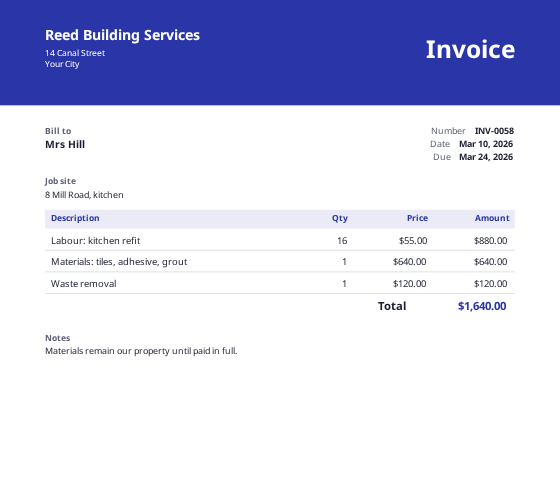 Custom invoice makerDesign your own invoice from a blank page, with your own sections and columns.