Custom invoice maker
Build an invoice that fits the way your business works. Start from a blank page or a ready-made layout, then add, move, and change any section. The totals keep working as you go.
Start from a blank page
Most invoice tools give you a few layouts and a colour picker. Here you can clear the page and add only what you need, one section at a time. If you would rather not start from nothing, pick a ready-made layout and change that.
What you can change
- Move any section, and put up to three side by side
- Choose which columns the items table shows, and their order, with up to six of your own
- Move the totals anywhere, such as beside your notes
- Write sections of your own, such as your terms or a warranty
- Add sections you fill in on each invoice, such as a site address
- Add your stamp or signature, and signature lines
- Set the size, colour, border, and width of each section
- Rename every word, and pick from six fonts
The sums stay right
A general design tool can draw a good-looking page, but you work out the totals yourself. Here the subtotals, tax, deductions, and balance are worked out for you, however you arrange the page.
Save it once, and use it every time
Give your layout a name, and it joins your templates. Each new invoice, quote, or receipt can open in that layout, ready to fill in. It is saved on your device, like everything else.
Use your own language
Type in Urdu, Arabic, or Persian, and it appears on the page and in the PDF. Choose Arabic, English and Arabic together, Urdu, French, Spanish, Portuguese, Indonesian, or Turkish in the Design tab, and every word on the document changes at once. You can still rename any word by hand.
Checked on .
Questions
Is the custom invoice maker free?
Yes. Every design feature is free, with no limit and no signup.
Can I put anything anywhere on the page?
You arrange sections, not single items. That keeps the page tidy, and lets a long table run on to a second page.
Can I print on my own letterhead?
Yes. Tick the option for paper that already has your name and address, and set the space at the top.
Does it work on a phone?
Yes. You can drag sections with a finger, and tap a section on the paper to change it.
Helpful guides
More templates
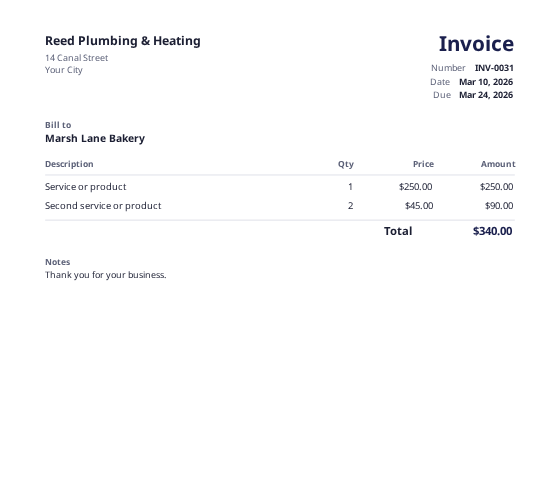 Invoice makerMake an invoice in a few minutes, and keep your copy in your book.
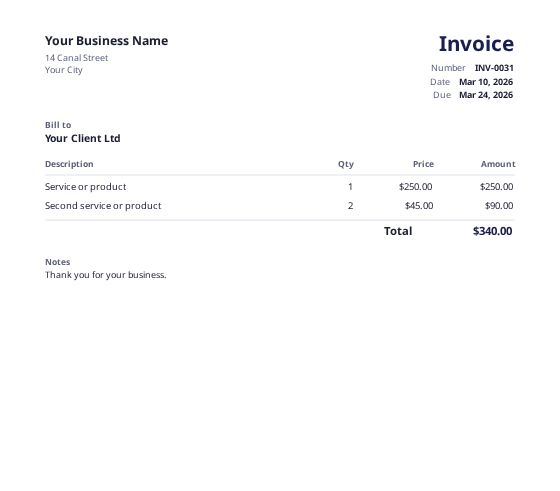 Invoice templateA clean, general invoice for any business.
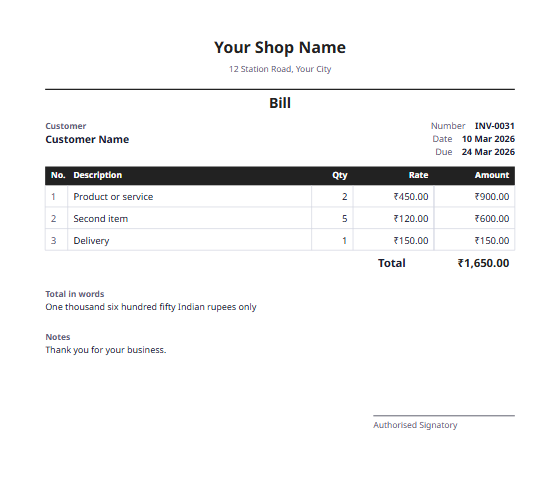 Bill formatA simple bill for shops and small businesses, with the total in words.
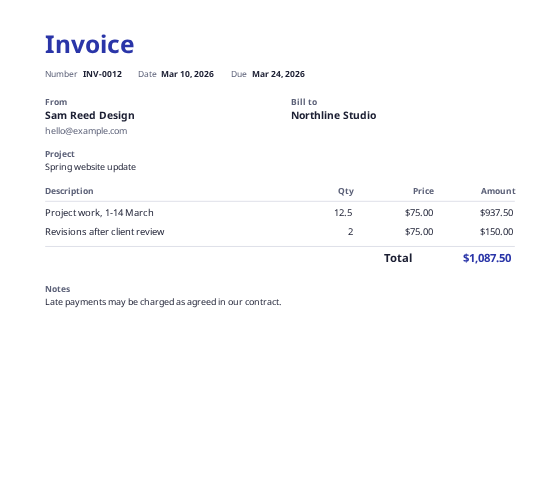 Freelance invoice templateFor hourly or project work, with a field for the project name.