Free receipt maker
Make a receipt for a payment you have received, and keep a numbered copy for your records. You can download a PDF, save an image for WhatsApp, or print it on a small receipt printer.
What a receipt should show
- Your business name
- Who paid you
- A receipt number and the date, so the receipt can be found again
- What the payment was for
- The amount received, and how it was paid, such as cash or bank transfer
Receipts for shops and small printers
Open the Design tab and set the paper size to “Receipt printer, 80 mm” or “58 mm”. The receipt becomes a narrow slip that fits a thermal printer.
For real payments only
A receipt is a record that money changed hands. Slipbook makes receipts for your own business, for payments you really received. It has no store-branded templates, and it must not be used to make false receipts.
If a client pays part of an invoice, make the receipt for that part, and your book keeps track of what is left.
Checked on .
Questions
Can I make a receipt from an invoice?
Yes. Record the payment on the invoice, then choose “Make receipt”. The details carry across.
Are the receipts numbered?
Yes. Each receipt gets the next number in order, and you can change the format in Settings.
Is a receipt maker the same as a receipt generator?
Yes. Receipt maker, receipt generator, and receipt template are names for the same thing: a form you fill in to make a receipt. This one also keeps a numbered copy in your book.
What is the difference between a receipt and an invoice?
An invoice asks for payment. A receipt confirms that a payment was made. Give the invoice first, and the receipt once the money has arrived.
Helpful guides
More templates
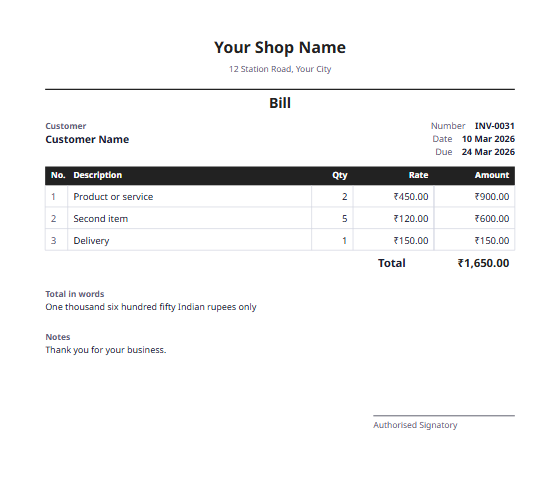 Bill formatA simple bill for shops and small businesses, with the total in words.
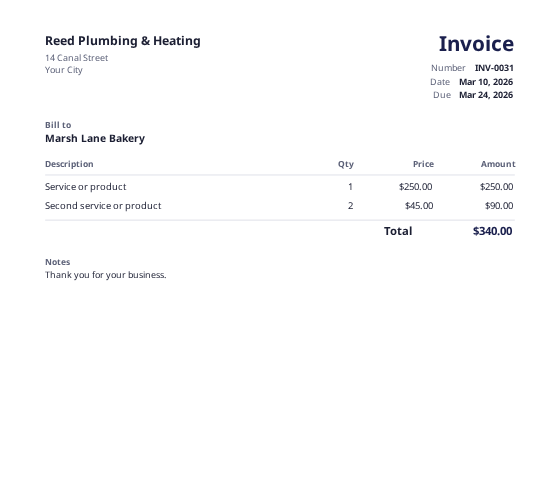 Invoice makerMake an invoice in a few minutes, and keep your copy in your book.
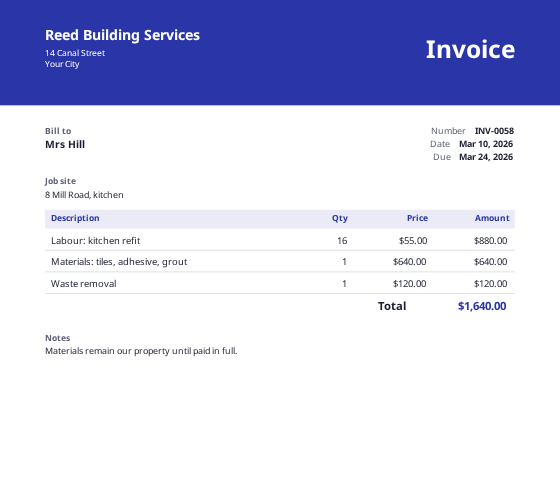 Custom invoice makerDesign your own invoice from a blank page, with your own sections and columns.
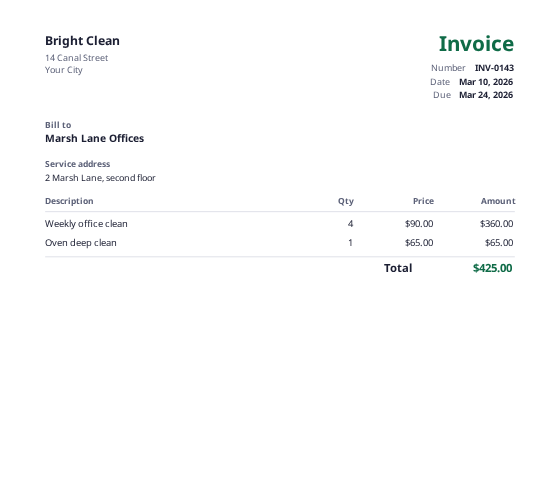 Cleaning invoice templateFor regular visits and one-off jobs, with a service address field.