Free job estimate template
Use this template when you cannot give a fixed price yet. The document is titled “Estimate” and includes a note saying the final price may change, so everyone knows where they stand.
When to give an estimate
An estimate suits work where you cannot see everything yet, such as a repair behind a wall. Give your best figure, and say what could change it.
Turning it into the real bill
When the work is done, choose “Turn into invoice”, then adjust the lines to what actually happened. The client’s details and the items carry across, so there is little to retype.
What a good estimate includes
- What you plan to do, in words the client understands
- Your best price for labour and for materials, on separate lines
- What could change the price, such as damage you cannot see yet
- How long the price holds, so an old figure does not come back to you
Keep the conversation easy
A client who is warned about a possible extra cost rarely minds it. The same cost with no warning can start an argument. If something changes during the job, tell them before you do the extra work, then update the invoice to match.
Checked on .
Questions
Can I change the title to “Quote”?
Yes. Open the Design tab and change the document title to any word you like.
Should an estimate have a number?
Yes. A number makes it easy to refer to later, and Slipbook adds one for you.
Helpful guides
More templates
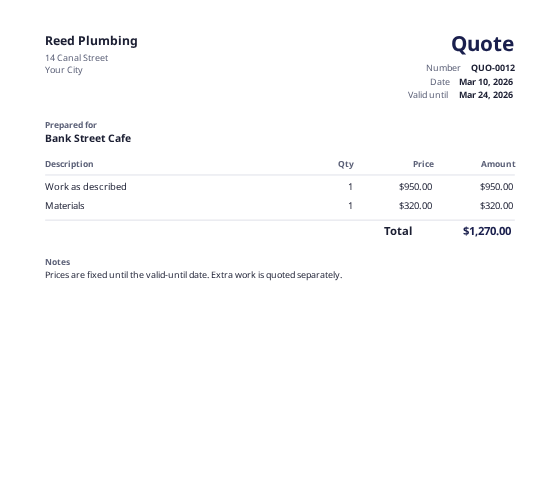 Quote templateA fixed price with a valid-until date, ready to turn into an invoice.
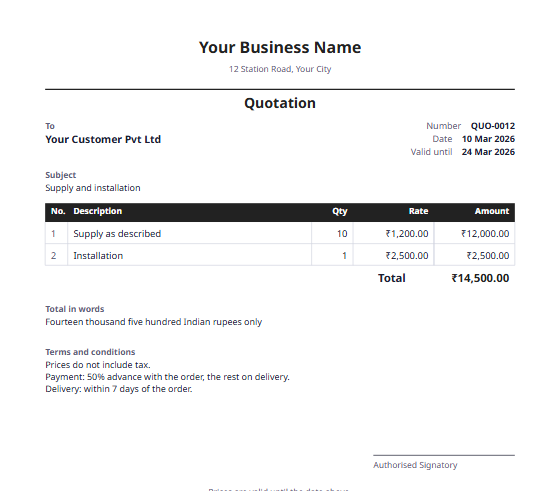 Quotation formatItem rates, the total in words, and a valid-until date, ready to become an invoice.
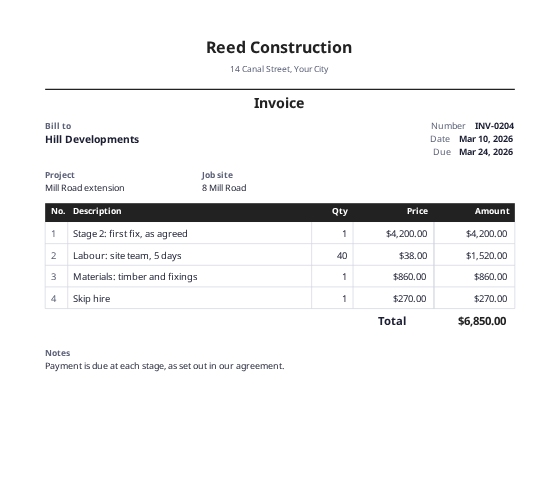 Construction invoice templateA numbered bill form for stage payments, with project and site fields.
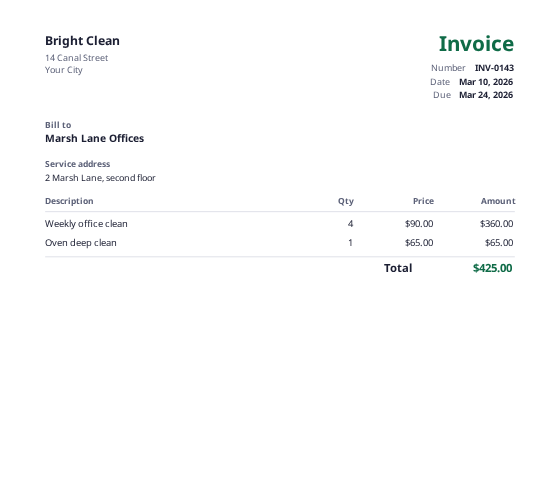 Cleaning invoice templateFor regular visits and one-off jobs, with a service address field.