Free Australian tax invoice template
This template has what an Australian tax invoice needs: the words “Tax Invoice”, your ABN, and the GST on each item. Fill it in online, then download a PDF, print it, or send it from your phone.
What a tax invoice must show
Section 29-70 of the GST Act sets out what makes a document a tax invoice. This template has a place for each part.
- That it is meant to be a tax invoice, such as the title “Tax Invoice”
- Your name and your ABN
- The date it is issued
- What you supplied, with the quantity and the price
- How much of each item is taxable
- The GST on each item
- For a sale of $1,000 or more, the buyer’s name or ABN
GST-free items on the same invoice
Set the GST rate on each item. Most items carry 10%. For a GST-free item, set the rate to 0, and the invoice shows it with no GST, so your customer can see which items are taxable. The GST total is worked out for you.
When you must give one
If a customer asks for a tax invoice for a taxable sale, the GST Act says you must give one within 28 days. Very small sales are an exception.
Not registered for GST?
Only businesses registered for GST charge GST and issue tax invoices. If you are not registered, use the plain invoice template, without GST.
Sources
Sources looked up on . Slipbook does not give tax advice, so confirm with your tax adviser.
Questions
Is this tax invoice template free?
Yes. Make as many invoices as you need, with no watermark and no signup.
Do I need the buyer’s details?
For a sale of $1,000 or more, the tax invoice must show the buyer’s name or ABN. Below that, you can leave them out.
Where do I put my ABN?
Type it in your business details, in the box “Tax or registration number”, such as “ABN 12 345 678 901”. It is remembered and prints on every invoice. Slipbook does not check it, so make sure it is right.
Can I send it from my phone?
Yes. The Share button sends the PDF by email or a messaging app, and it works offline after your first visit.
Helpful guides
More templates
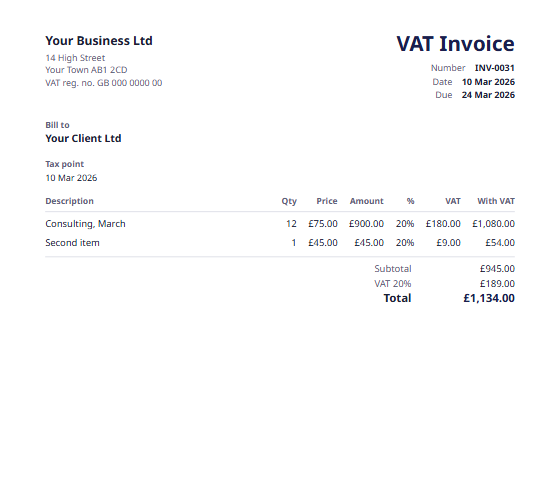 UK VAT invoiceFor VAT-registered businesses, with the tax point and the VAT rate on each line.
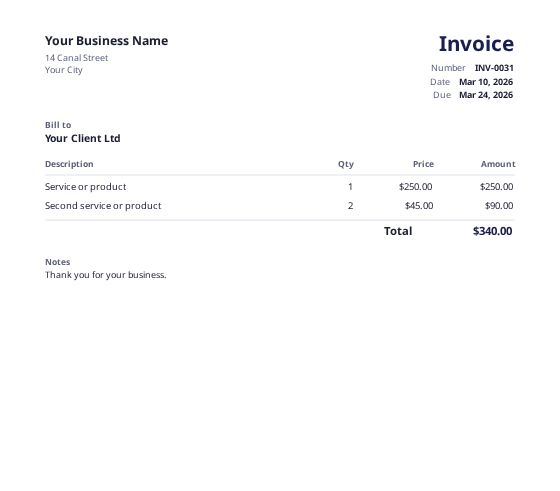 Invoice templateA clean, general invoice for any business.
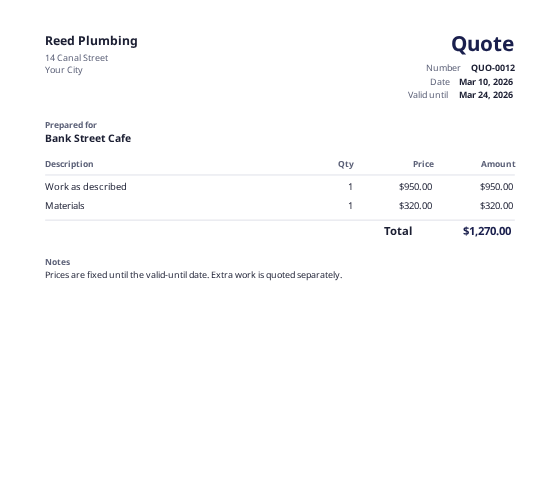 Quote templateA fixed price with a valid-until date, ready to turn into an invoice.
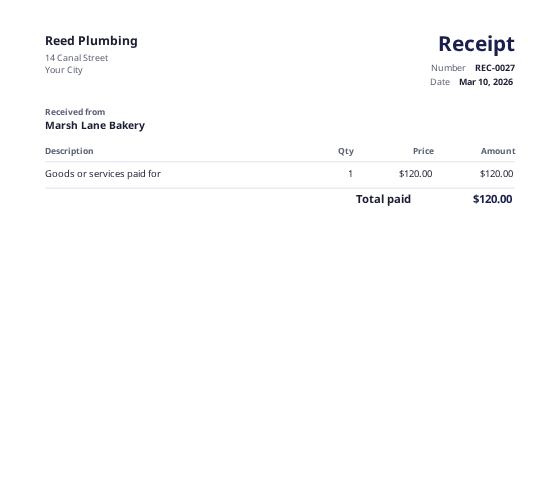 Receipt makerA receipt for a payment you have received, in A4 or receipt printer size.